Export Waitlist Guests
Once an event becomes sold out our waitlist feature will automatically start to gather guest information.
Whilst we will automatically email guests within the waitlist should any ticket become available you may have the need to email these guests from CRM.
For example this may be due to extra dates or ticket types being added to your event.
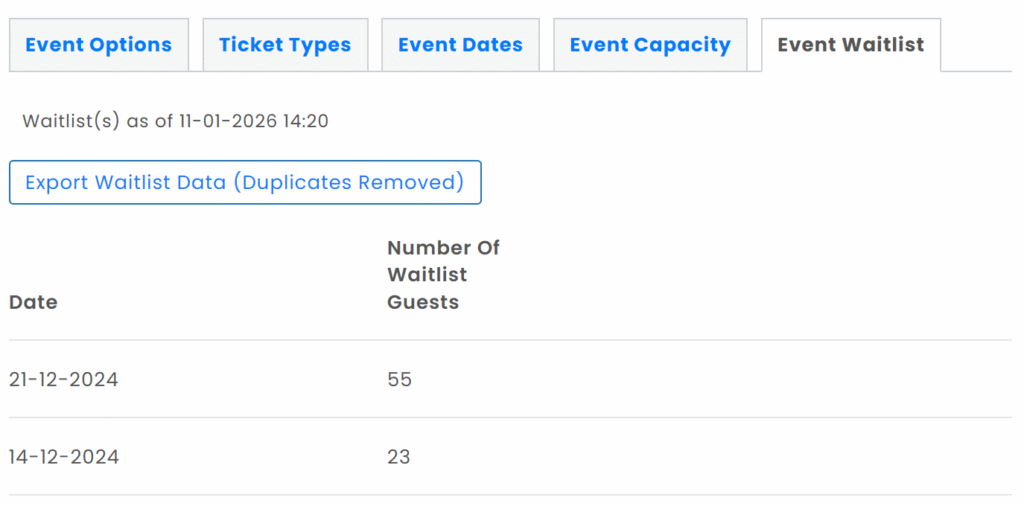
Should you wish to export the waitlist guest information containing names and email addresses for any event simply select the Event Waitlist tab, as in the screenshot below.
If any dates have waitlist data a button will be displayed which once clicked will start to the export process.
Once your data is ready to be downloaded your computer will ask you to select a location to save.
Please note that should a guest add themselves to multiple waitlists across a single event they will be deduplicated within the export.