Event Dates
Use this tabbed content to setup event dates either as Single Dates or Recurring.
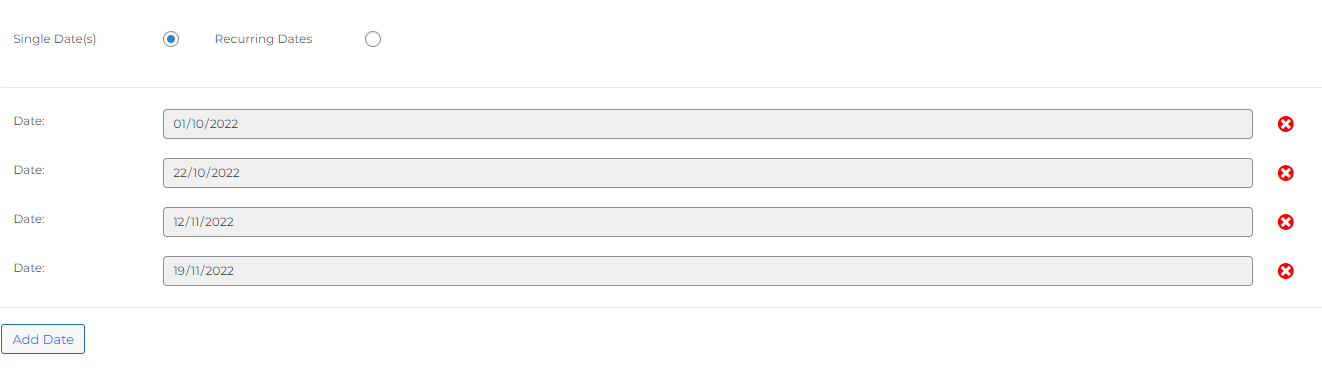
Single Dates
Enter the date(s) for the event. To add more dates click on ‘Add Date’.
When the product is saved slots for each event date will be created on the system based on the ticket types.
Recurring Dates
Event dates can be set recurring either weekly or fortnightly. Initially 2 years of event dates are created using the Ticket Types and for each week that passes the event automatically creates extra dates as needed so there is always 2 years of availability.
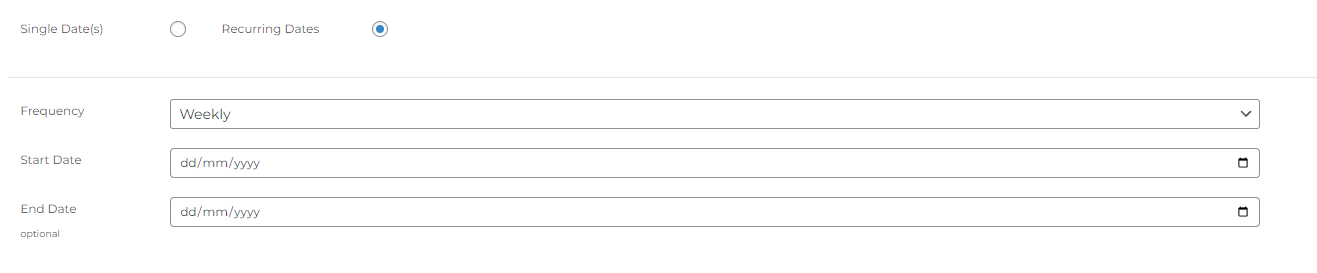
The start date dictates which day of the week events will recur on e.g. if the start date is a Sunday then for every week the event will be available on Sundays.
If you want the event to stop after a set amount of time use the ‘End Date’ but this is optional.