Add / View Discount Codes
You’ll find this section by selecting ‘Discount Codes’ in the main navigation.
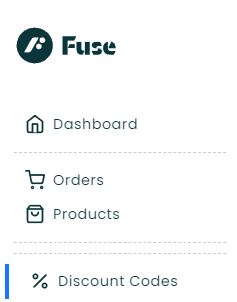
Once selected, a display of all current codes will be displayed.
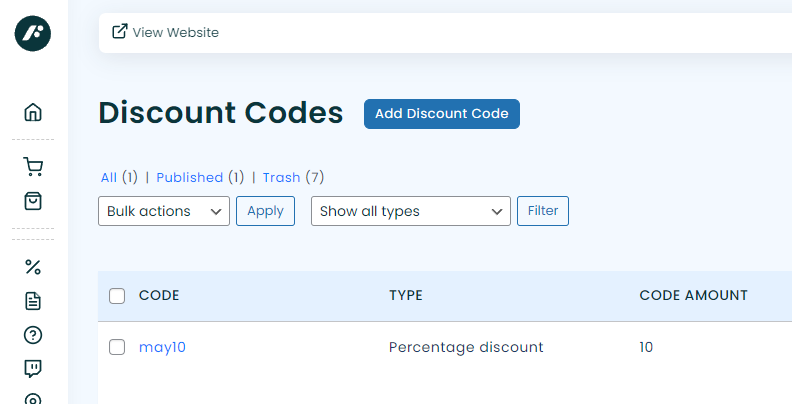
At the top of the screen is an ‘Add Discount Code’ button, click to create a new code.
If you want to edit an existing code simply click on the code in the list.
Once you have chose to edit or add a new code a form will be displayed as in the example below.
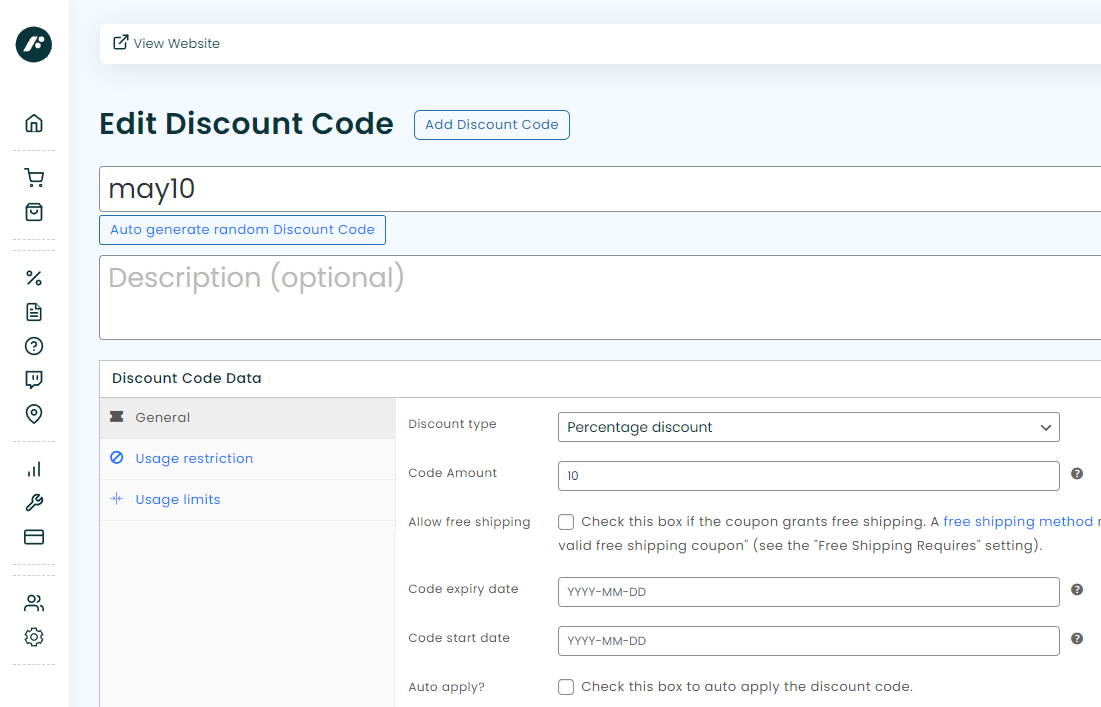
If you want to create a random discount code you can simply click on the ‘Auto generate random Discount Code’ button. Otherwise enter the code you wish to use, as in this example ‘may10’.
This example will provide a 10% discount to your customer’s order but there are other types of discounts that can be selected from the list of available options.
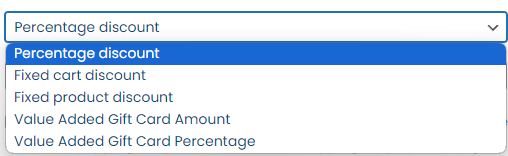
For information on all of these Discount Code Types please see here.
Usage Restrictions and Usage Limits can also be set. For example locking the code down to only be used against a specific product, gift card amount or event date.
Once you have finished adding your code rules please click on ‘publish’.