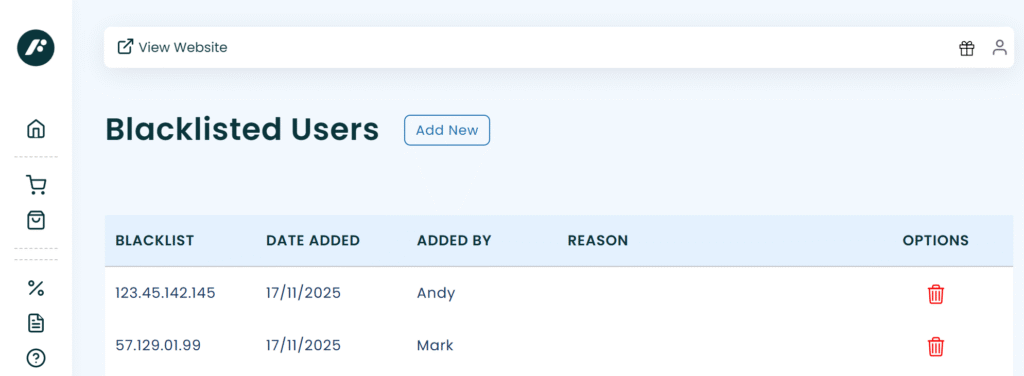
Customer Blacklist
Fraud is unfortunately on the rise and whilst most payment companies provide a fraud blocking service we have introduced an extra layer within Fuse.
Our User Blacklisting feature allows you to block unwanted website transactions by either email or IP address. This feature blocks users from attempting to place orders before payment is made.
To block a user you have two options.
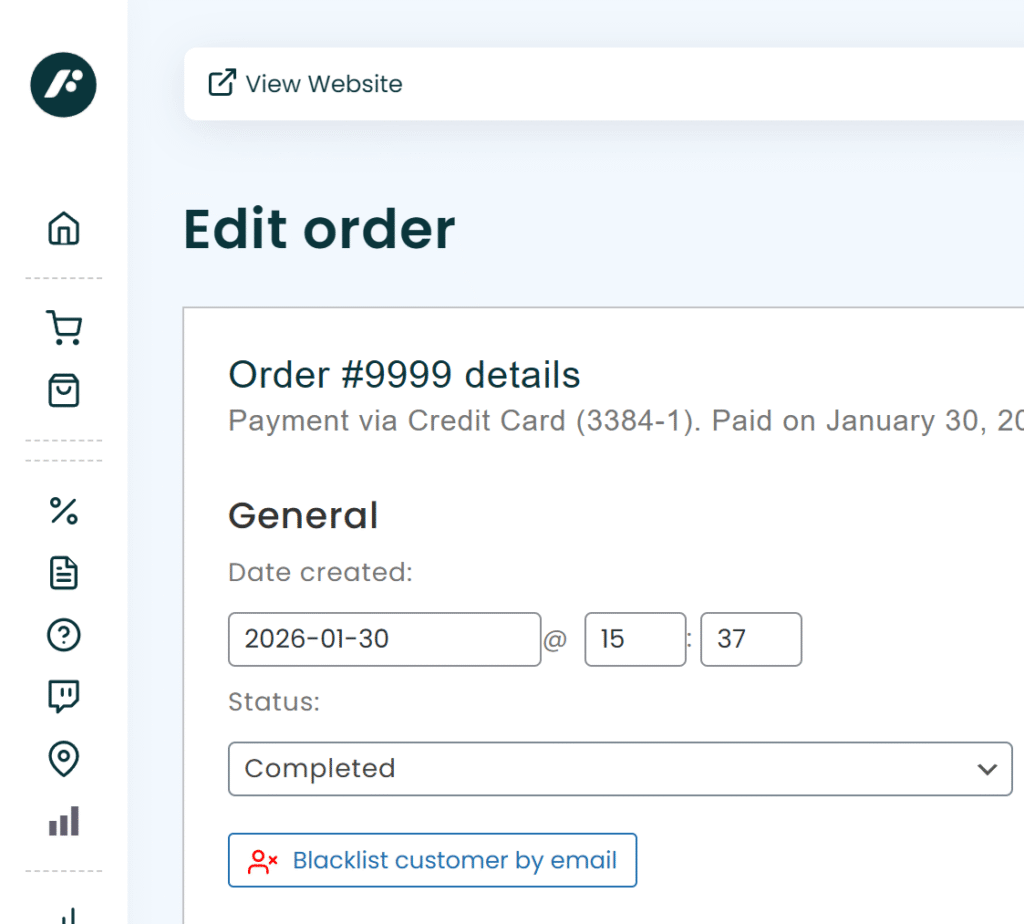
1. From an Order
Simply click the ‘blacklist user by email’ button within any order’s view, as per the screenshot below.
2. From Blacklist System
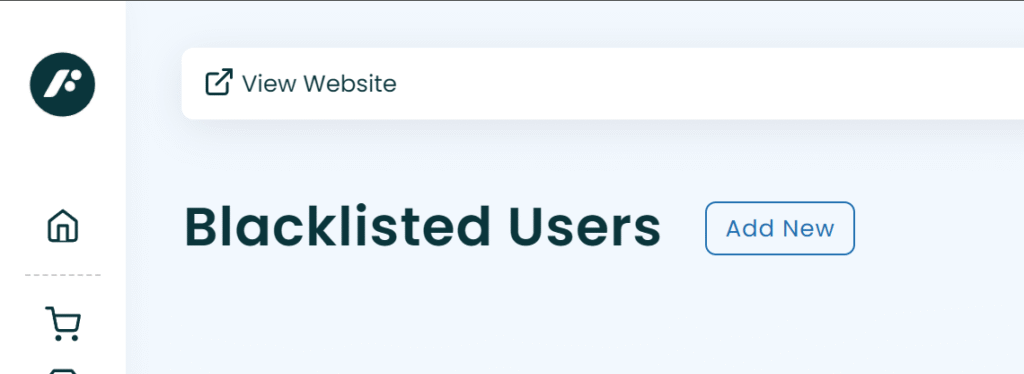
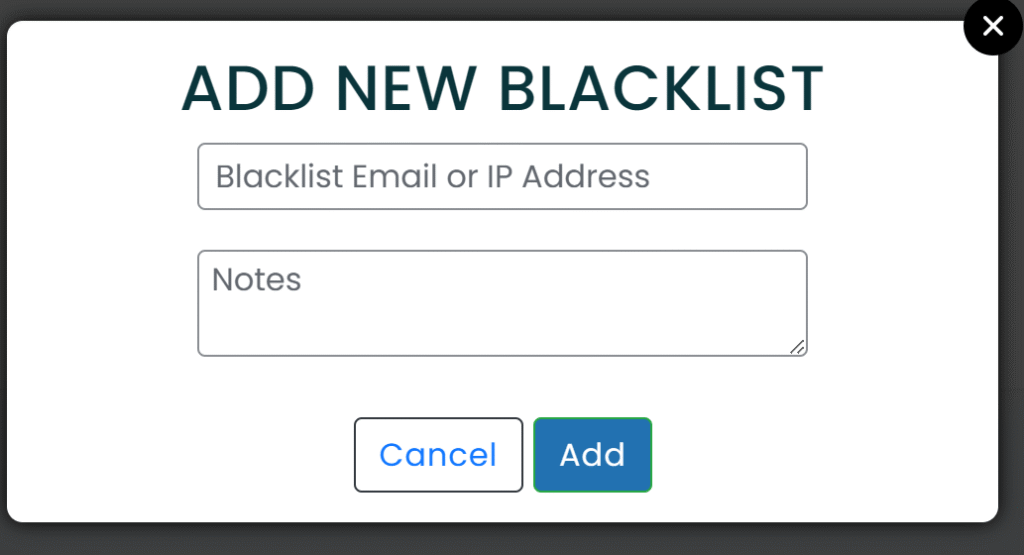
Simply click “Add New” then add either IP Address or Email Address in the popup. You may also enter a custom message for future reference.
View/ Delete Blacklist Entries
All blacklist entries can be viewed in the new screen and should any entry need to be removed a delete option is on hand.